
Features
- Rough cuts
- Multicam
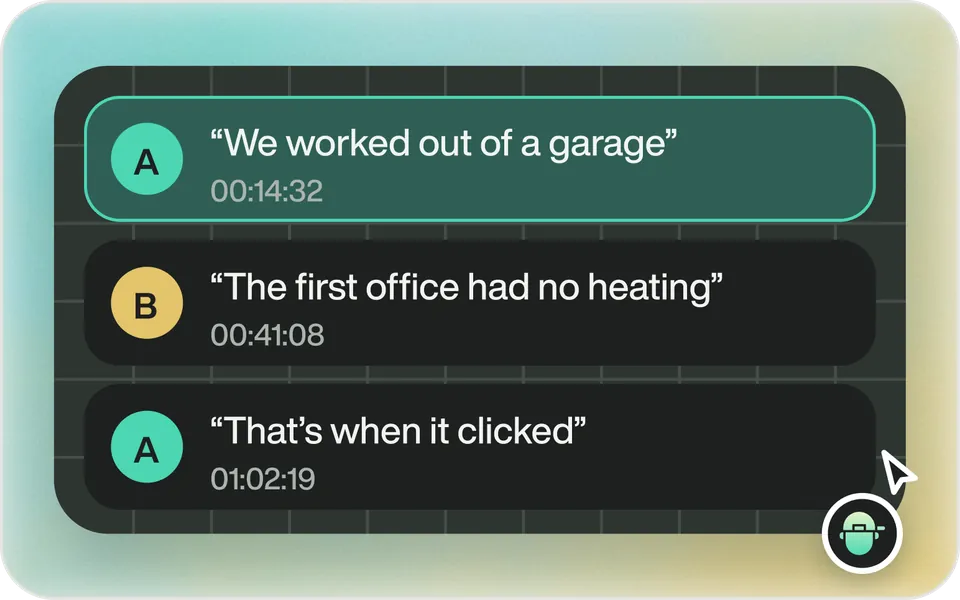
- A-roll logging
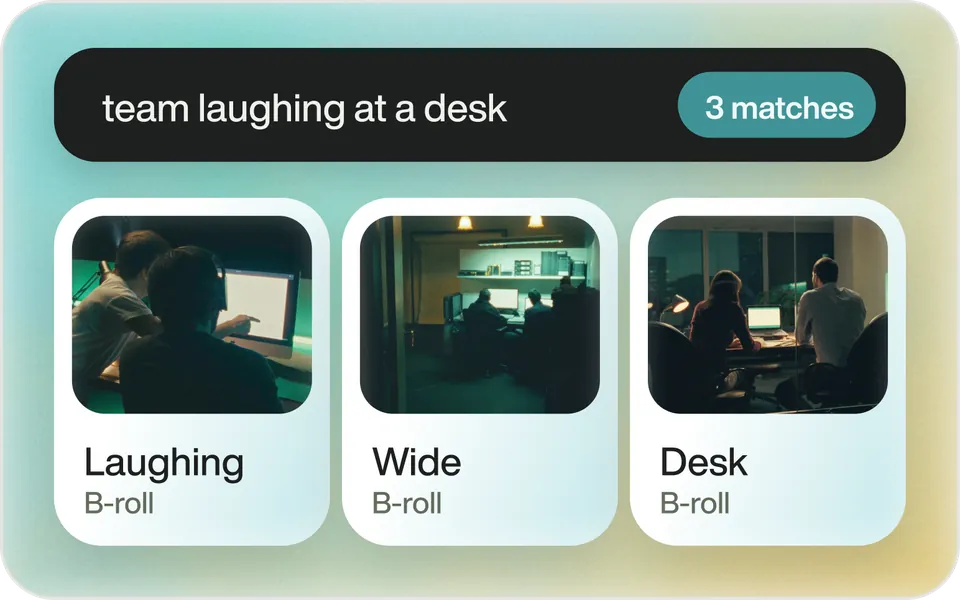
- B-roll logging
- Speaker identification
- Scripted edits
- Social clips
- Exports to your editor
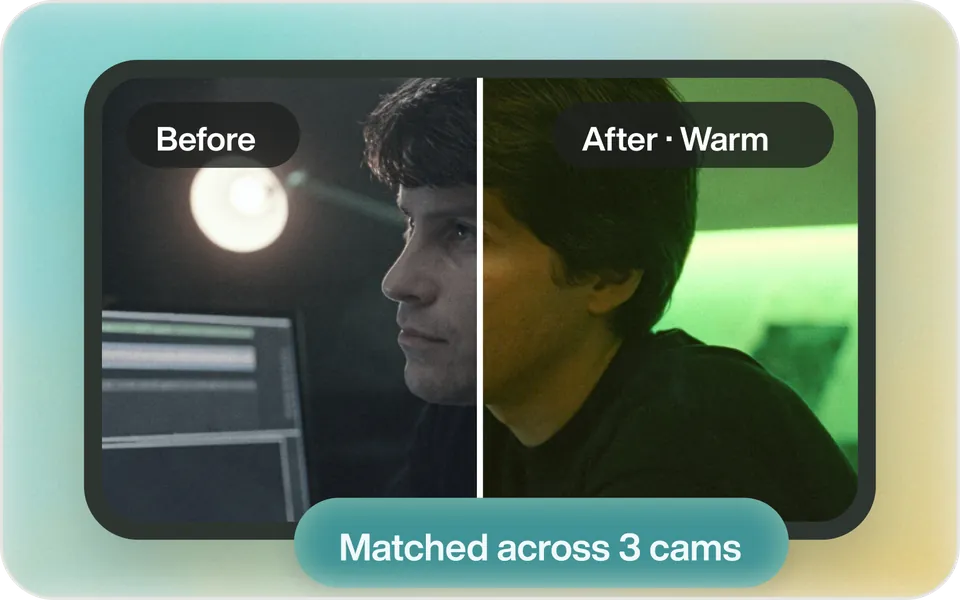
- Styles and color
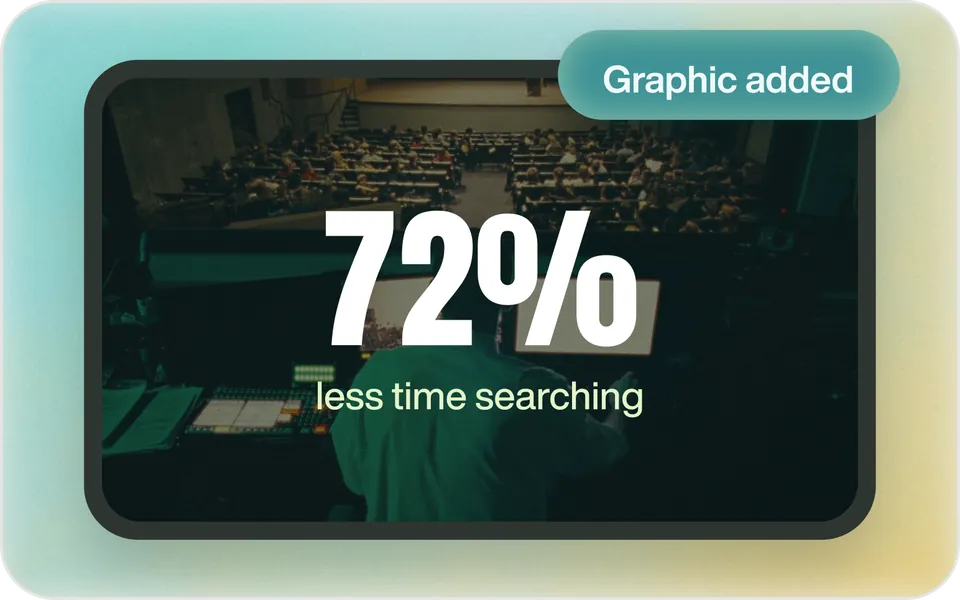
- Motion graphics
- Captions & titles
- Stock B-roll
- Generate video
- Generated music
- Voiceover
- Dubbing
- Transcription in 97 languages
- Web app
- Mac and Windows
- Claude & ChatGPT
- Codex, Cursor, Devin and more
- Recipes
- Agents
- API + MCP
Solutions
Resources






The most powerful video editor in the world.
 MAXNov 10–12 · Miami Beach · Booth 418Book a time to meet us
Works withWorks on the web, Mac, Windows and iPhone, in Claude and ChatGPT, and with Premiere Pro, DaVinci Resolve, Final Cut Pro and Avid.








Chat3 here
I watched all 5 clips and logged the moments worth keeping.
Cut a 30-second teaser from the trip footage
Done. 6 shots, cut to the music.

500 free credits when you sign up.
How it works
Upload. Ask. Export.
Bring it in
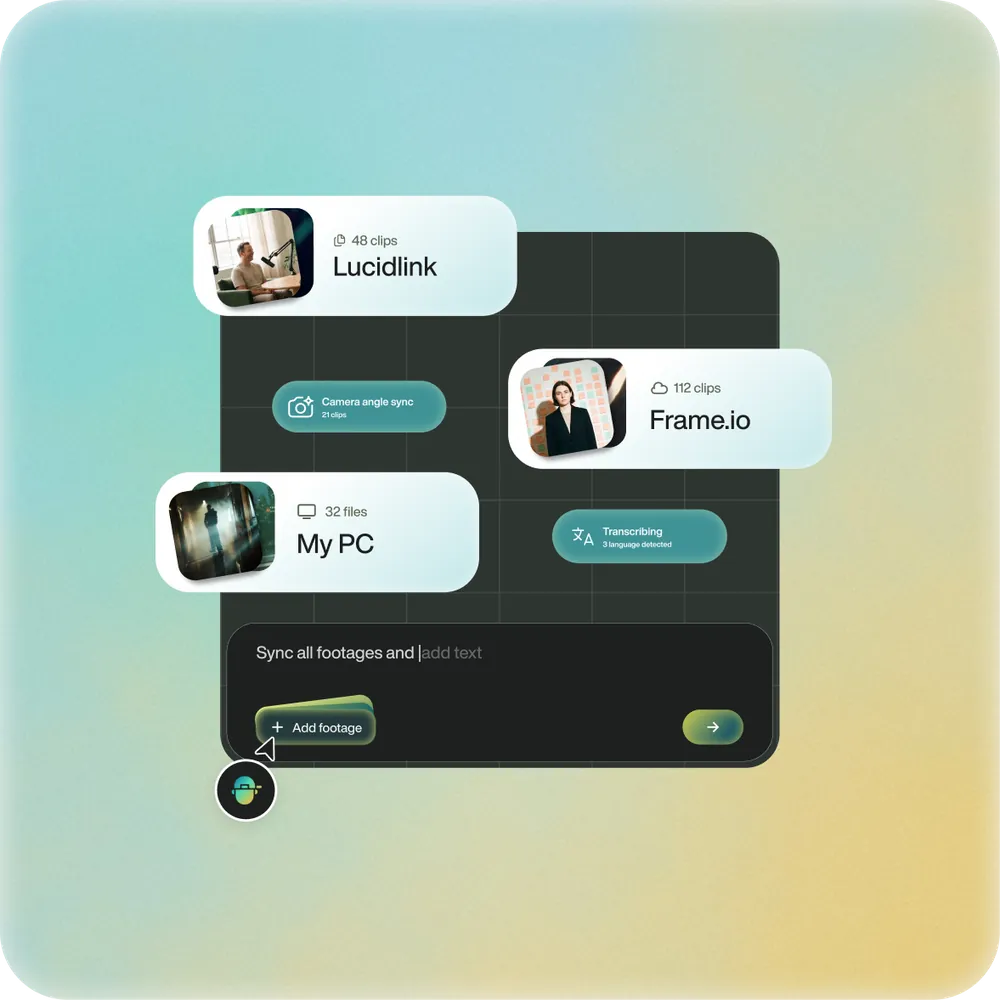
Upload your footage. Eddie transcribes every word and syncs your angles.
60,000+ video pros at Amazon, NVIDIA, OpenAI, Square and more.


















Sign up and get 500 free credits
- 2 hours of footage free
- No card required
One editor. Everywhere you work.
- Web appEdit in your browser at app.heyeddie.ai.
- Mac & WindowsFast, GPU-enabled desktop apps.
- iPhoneThe same projects as the web and desktop.
- Claude & ChatGPTImport your footage in Eddie. Connect ChatGPT or Claude, then ask for the cut.
- Codex, Cursor & APIEvery edit is a tool your agent can call.
- NewiMessageText Eddie a clip. The cut comes back in the thread.
- Premiere ProYour timeline, with the original clips relinked.
- NewDaVinci ResolveNow on the free DaVinci Resolve too.
- Final Cut & AvidRound-trip with Final Cut. Hand-offs to Avid.


Everything the edit needs.
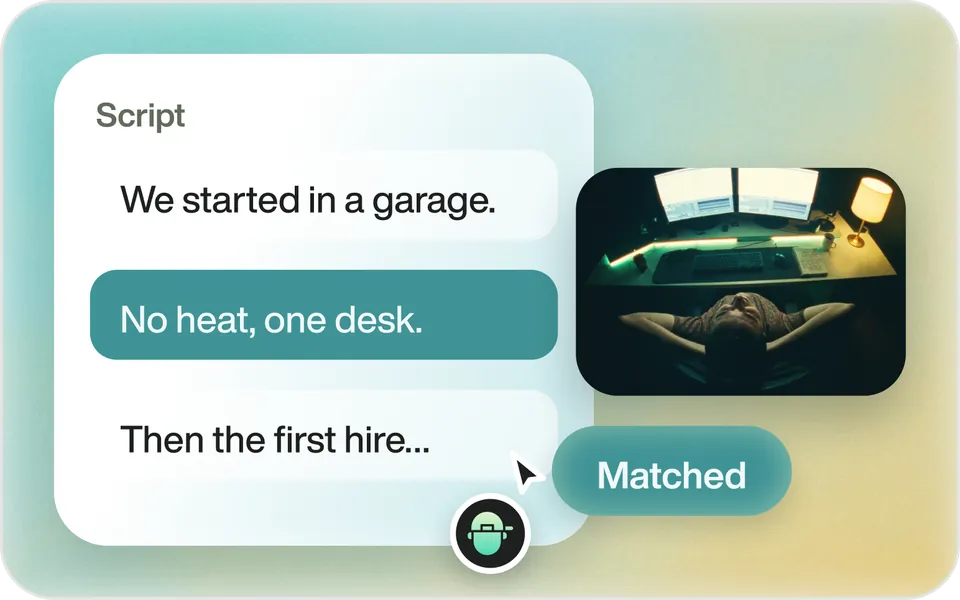
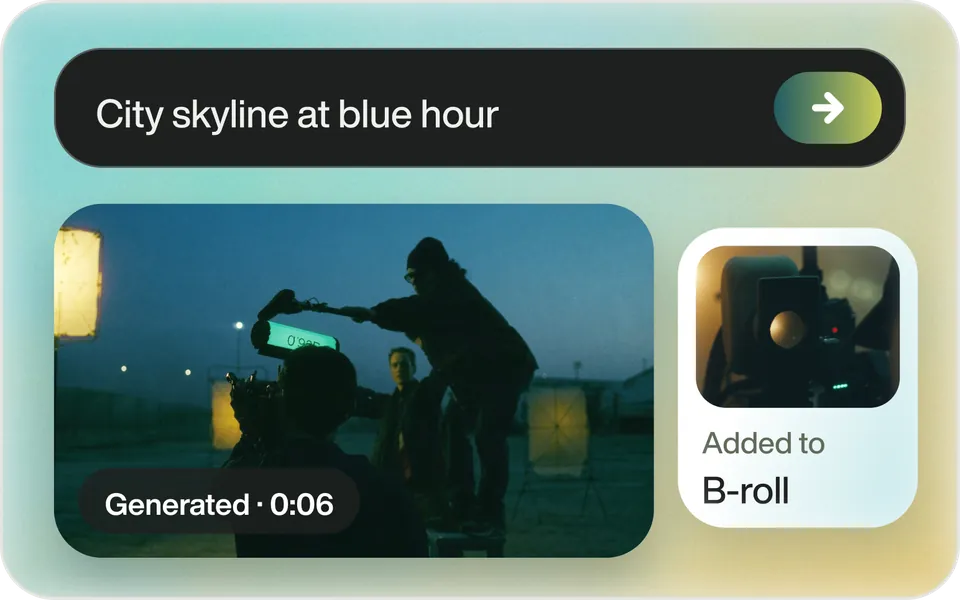
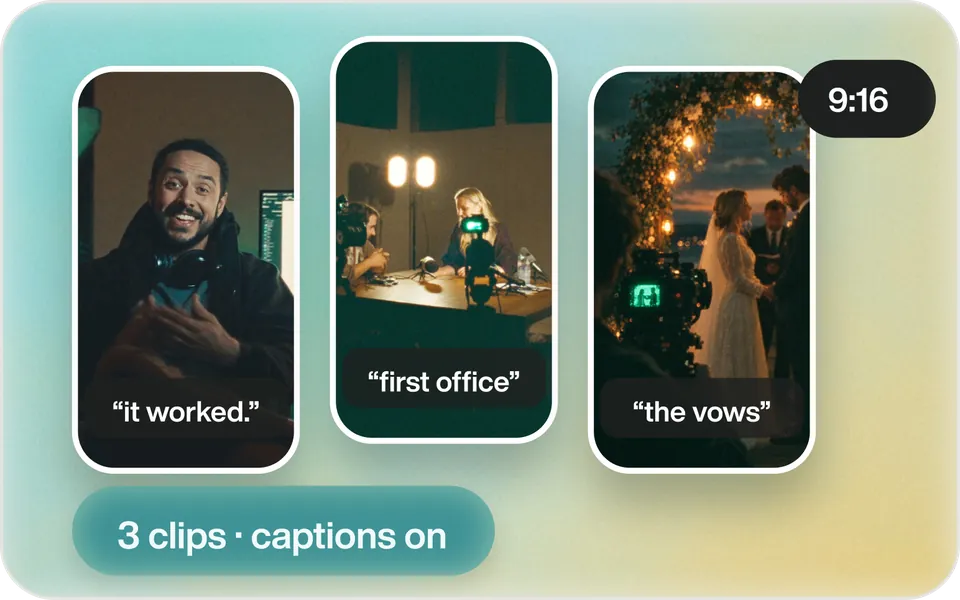
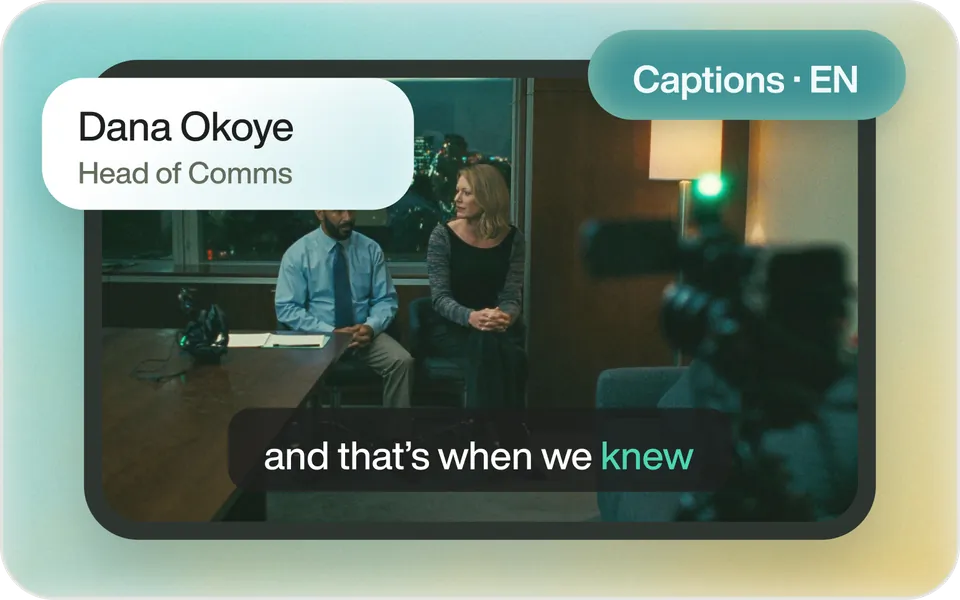

 Eddie connected
Cut a 60-second teaser from my interview footage
- Eddielist_sources
- Eddiefind_transcript_segments
- Eddiecreate_edit_result
- Eddieadd_captions
- Eddieexport_edit
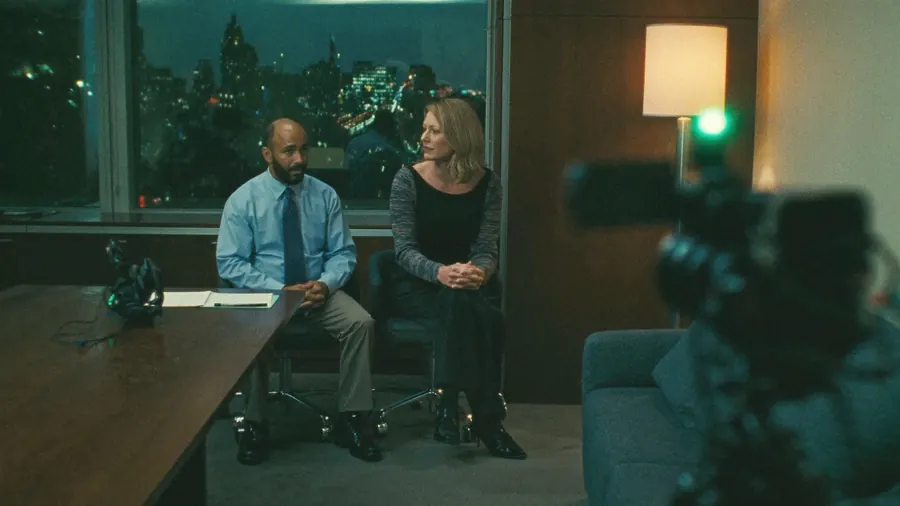 Interview teaser1:00 · 16:9 · captions
Every kind of video.
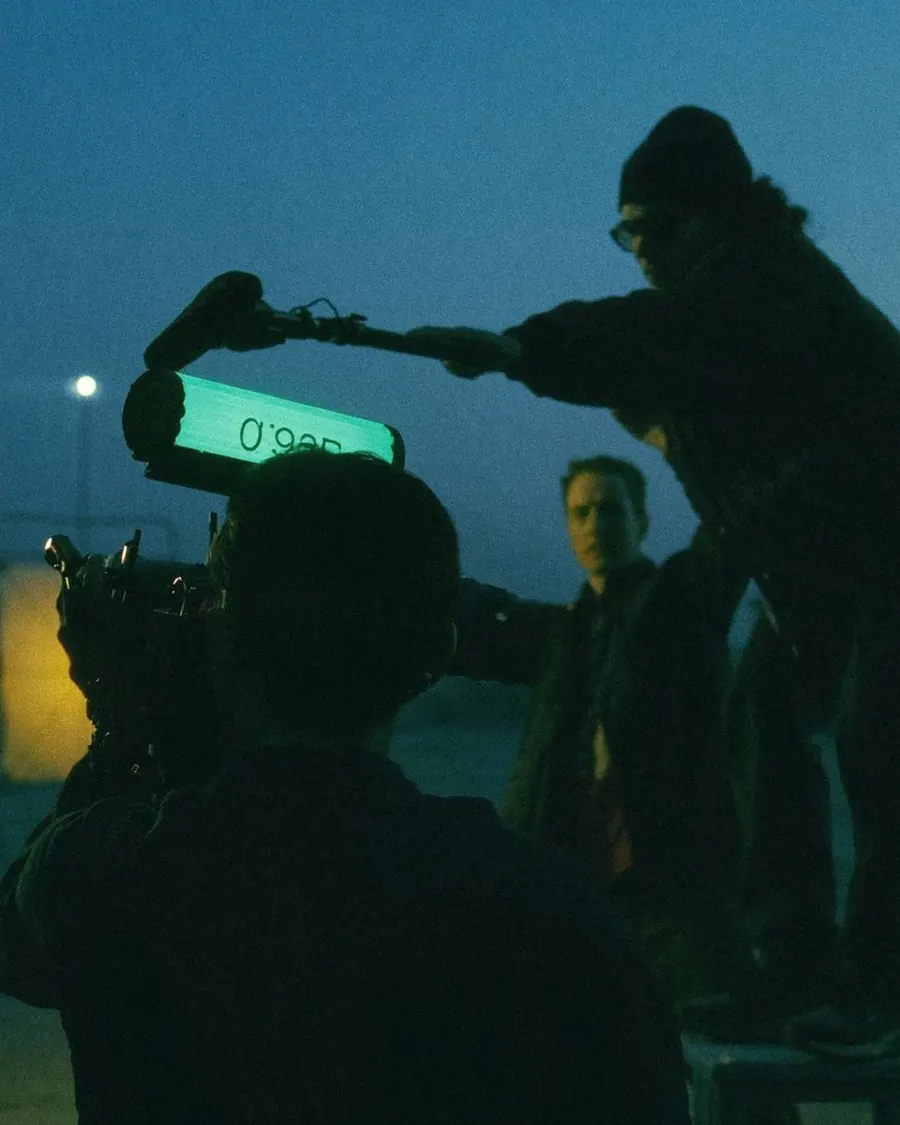

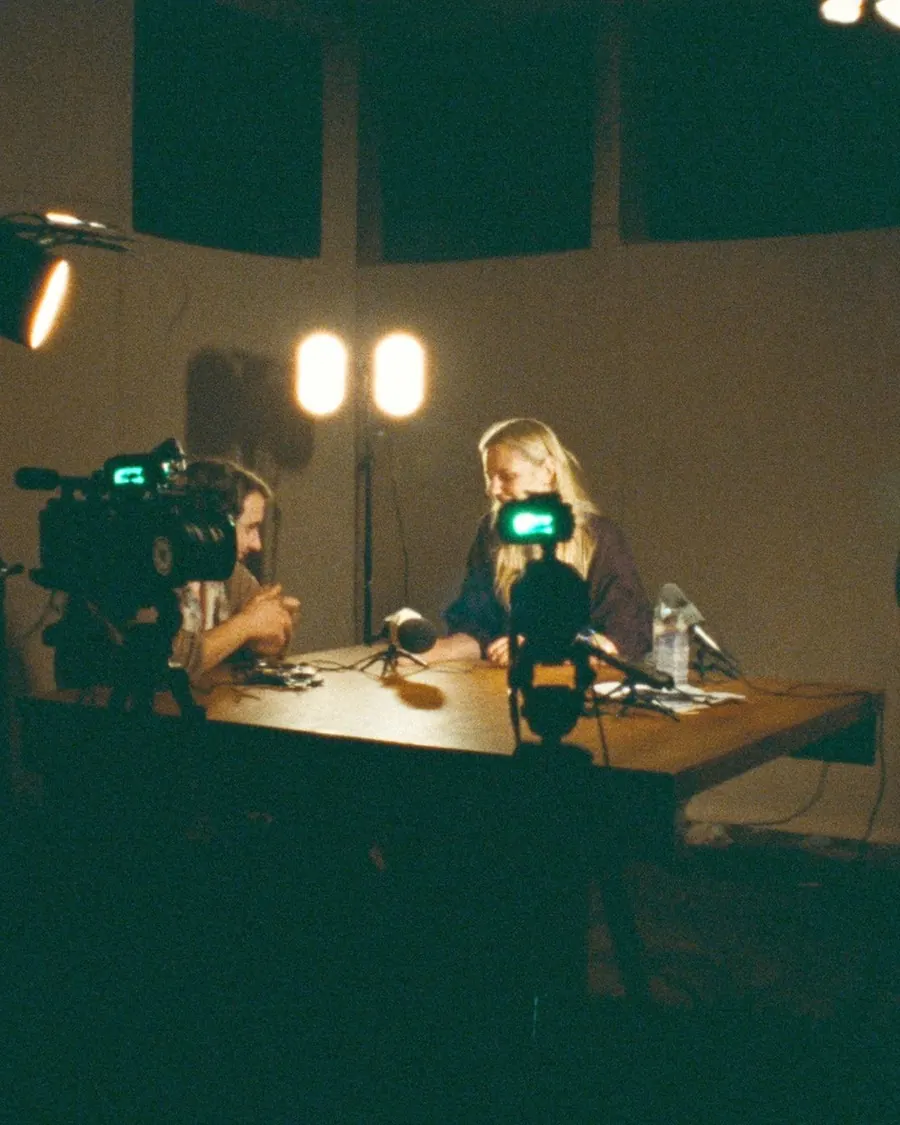

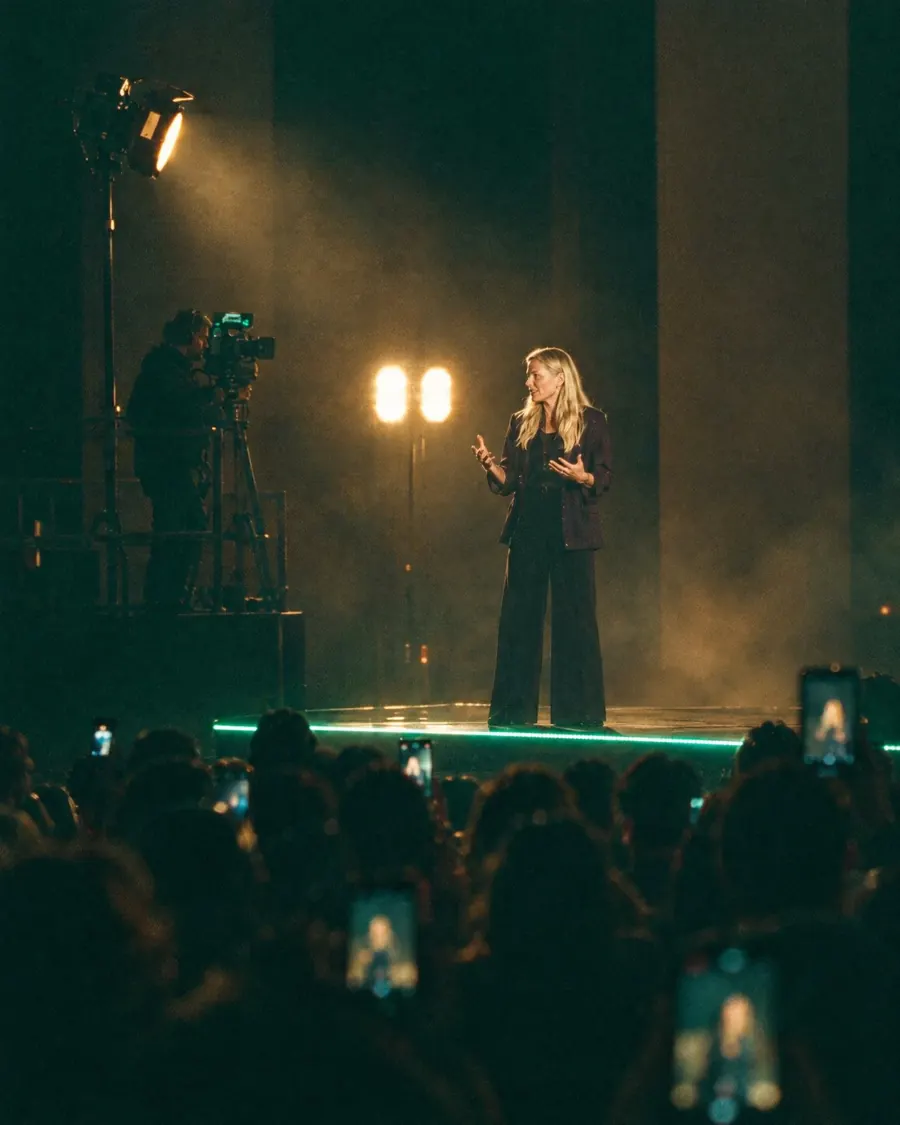
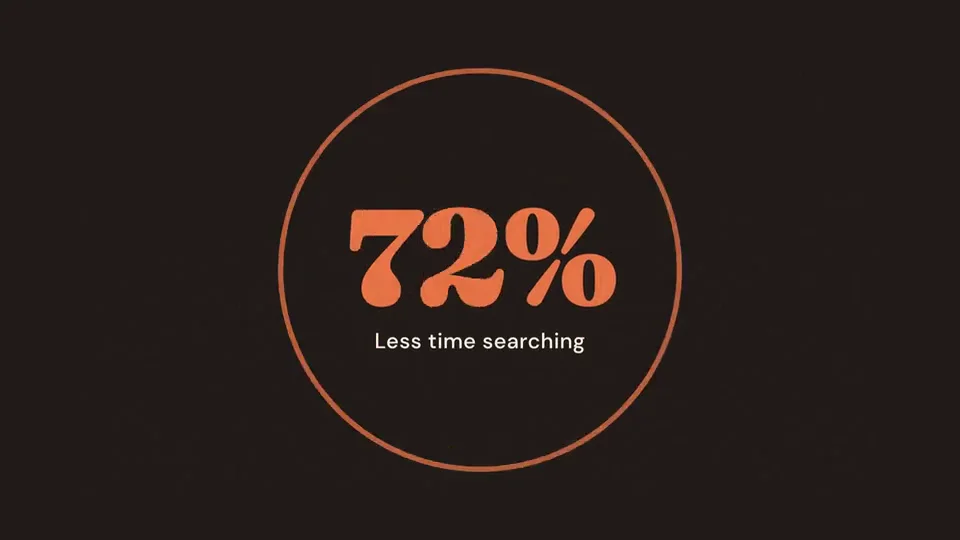
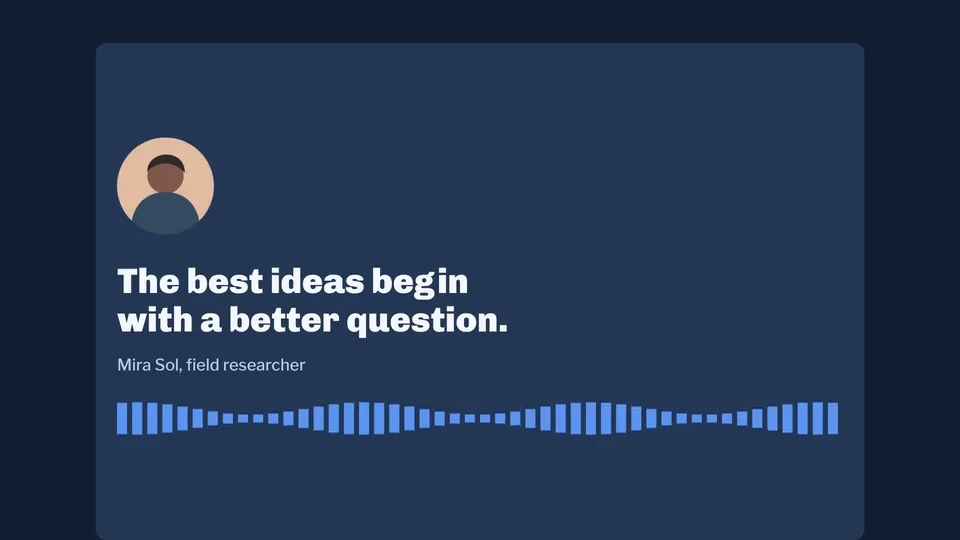
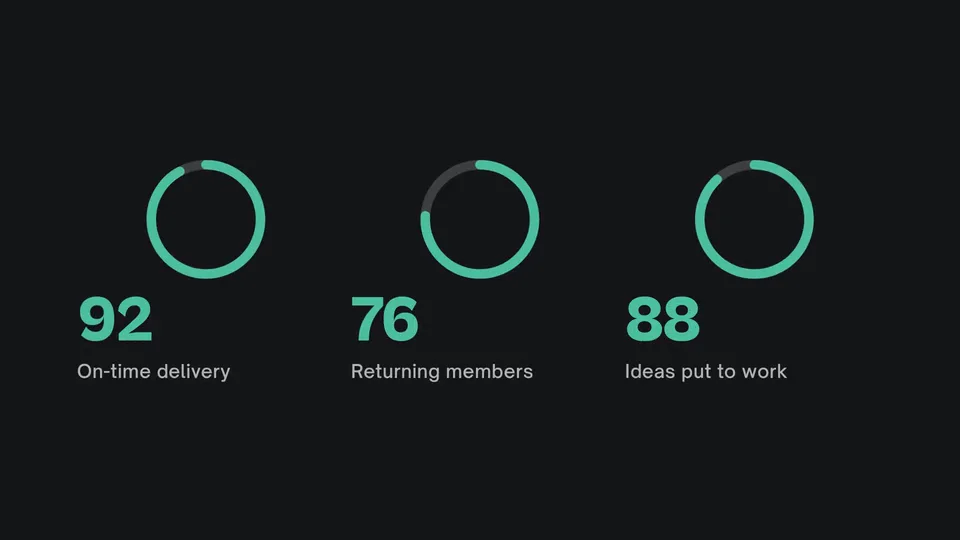
Made with EddieNew
Motion graphics from a sentence.
Eddie for business
Enterprise-grade security, brand controls and collaboration.
 SOC 2 Type IIAudited by an independent firm.
- SAML SSO and SCIMSign in through your identity provider, and add or remove people from your directory.
- GDPR compliantPersonal data handled under EU data protection rules, with a published DPA.
Don't just take our word for it.
Eddie AI has quickly become the indispensable AI editing tool for video professionals and the combination of LucidLink and Eddie AI together is formidable.
 Peter ThompsonCEO & Co-Founder, LucidLinkEddie with LucidLink
 Iconik and Eddie AI's agentic assistant video editor accelerates the tedious parts of the creative process by connecting rich media management and collaboration tools to the story creation process. This helps our shared customers scale their output and move faster than ever to deliver finished content.
 Mike SzumlinskiCTO, BacklightEddie with iconik


 Premiere Pro workflow
“After all the tools that I've tried, Eddie AI is one of the best assistants that me and my team have tried out when editing projects in Premiere Pro.”
 Premiere Gal
  Footage logging
“It's the first filmmaking AI tool I've come across that's going to legitimately change the way I deal with all my footage.”
 Luc Forsyth
 - Rough cuts
“I drop in a raw documentary-style shoot, walk away, and come back to a rough cut that already has the structure I would have spent an afternoon assembling by hand.”
 Snow W. L.
  Teams
Teams“Eddie is not going to replace my team, but it's going to help us take on more projects without losing our minds, without burnout for sure.”
 Camilo Castañeda
 - Story assembly
“I fed in all the footage and Eddie didn’t just organise it, it actually crafted a story draft from the material.”
 Zachary E.
  Creative time
“Eddie AI is one of the few AI tools that actually understand what video editors need. It gives you more time to be creative.”
 Premiere Basics
 - Logging & selects
“Eddie handles the work I used to dread on a big interview project, the transcribing, the tagging, the pulling of selects.”
 Kush S.
  Raw footage to rough cut
“It's mindblowing to me how quickly Eddie helped me go from all that raw footage to a rough cut that I can now polish and be creative with.”
 Brad West
Questions, answered.
Visit the help centerWhat is Eddie AI?
Eddie AI is an AI-powered assistant video editor built for professional video editors. You describe the story and edits you want in plain language, and Eddie turns your raw interview footage into a structured rough cut in minutes. It works with your existing NLE like Adobe Premiere, Final Cut Pro, and DaVinci Resolve for easy imports and exports. Avid Media Composer support is in beta.
How much does Eddie AI cost, and is there a free version?
Eddie AI is pay-as-you-go. Credits meter everything Eddie does: importing footage, each edit you prompt, and generated media like music and voiceover. Every new account starts with 500 free credits, so you can take a small project end to end before spending anything. After that you buy a credit pack: $10 for 1,000 credits, $45 for 5,000, $120 for 15,000 or $350 for 50,000. Credit packs never expire, no subscription is required, and every feature is available whichever pack you buy. Custom enterprise pricing is available for larger organizations.
Does Eddie AI only make rough cuts?
Rough cuts are where Eddie started, but it's much more than that now. Eddie also handles color grading, music with audio ducking, lower thirds and motion graphics, voiceover, and subtitles and same-language captions. So a cut can go from raw footage to polished and ready to publish. And when you want to finish in your own timeline, everything exports cleanly to Premiere Pro, Final Cut Pro, DaVinci Resolve, or Avid Media Composer.
Do you train on my data?
No. Your footage is not used to train our models, and we don't look at your content. Your media stays yours.
Can Eddie AI handle multicam footage?
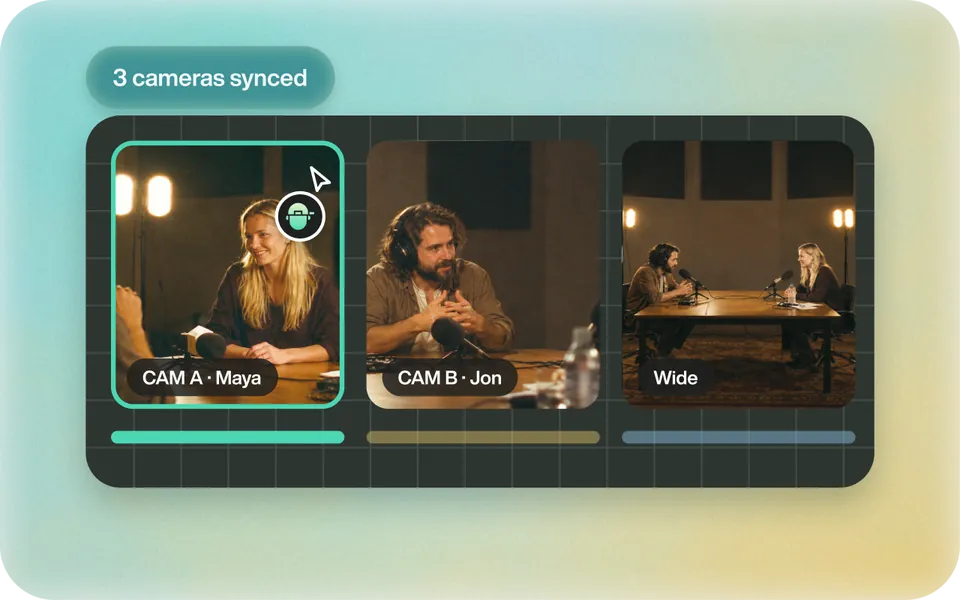
Yes. Eddie syncs multiple camera angles using audio and visual cues and cuts between them automatically to select the best angle for polished multicam edits. It works for both interview setups and podcast recordings. Your camera operator will never know how little time you spent on it.
How is Eddie AI different from Descript or Opus Clip?
Descript is focused on podcast and audio editing within its own platform. Opus Clip is designed for turning long-form video into short social clips. While Eddie AI does both podcast and social clip video editing, Eddie's specialty is generating full rough cuts from raw interview footage and exporting them directly into your NLE. Eddie is the one built for pro workflows.
What types of video projects is Eddie AI best for?
Eddie is purpose-built for interview-driven content: documentaries, corporate video, branded content, podcasts, and long-form narratives. If your work regularly involves turning raw interview footage into a story, Eddie was made for exactly that. Eddie also allows you to transform your long form content into short form content for social media.
How does Eddie AI create a rough cut?
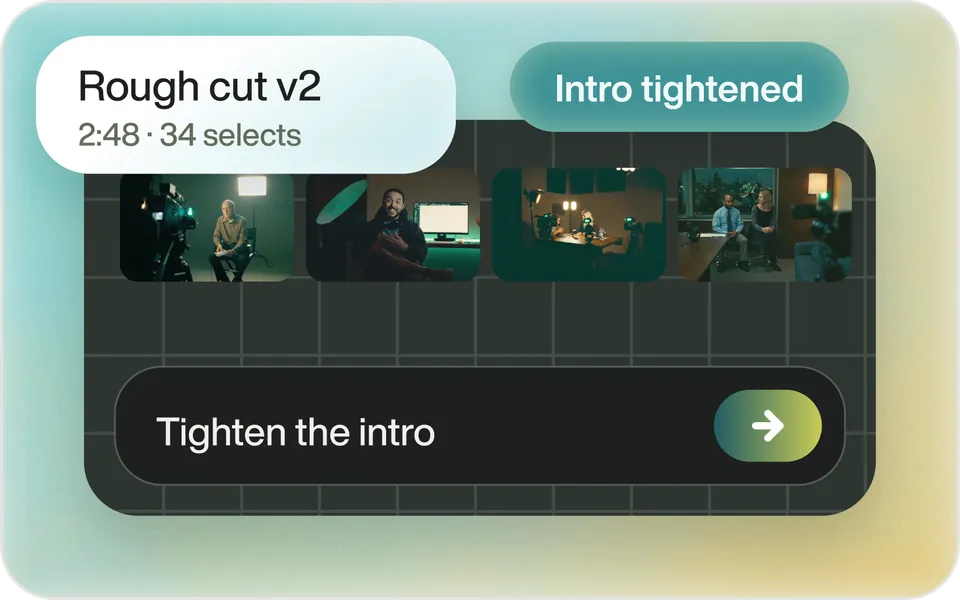
Eddie transcribes your footage, finds the best soundbites, removes filler words, and builds a rough cut based on the story you describe in chat. It also logs and tags your B-roll automatically, then exports a finished timeline straight into your NLE. The hardest part is deciding what to do with all your free time.
Which video editing software does Eddie AI work with?
Eddie AI integrates with Adobe Premiere Pro, Final Cut Pro, and DaVinci Resolve. Avid Media Composer support is in beta, with access from a waitlist. It is a Mac and Windows desktop app that fits right into your existing workflow.
Can I use Eddie AI from ChatGPT or Claude?
Yes. Eddie AI runs as a Model Context Protocol (MCP) server, so ChatGPT and Claude can edit your projects for you. Add https://mcp.heyeddie.ai/api/mcp as a custom connector, then sign in with your Eddie account. There is no token to paste. Claude custom connectors work on every Claude plan. ChatGPT needs a paid plan with Developer Mode. The install page is www.heyeddie.ai/mcp.
Can Eddie AI remove filler words and silences automatically?
Yes. Eddie automatically identifies and removes filler words, false starts, and awkward silences during the rough cut process. You can review what was removed before exporting, so nothing gets cut without your approval. It is one of the most tedious parts of interview editing, and Eddie handles it so you do not have to.
What is A&B Roll logging in Eddie AI?
A&B Roll logging is Eddie's automatic footage analysis. It transcribes your A-roll, surfaces the strongest soundbites, strips out filler words, and tags your B-roll with detailed visual descriptions. You get a fully organized, labeled media library ready for your NLE without having to watch every clip yourself.
Is my footage safe and secure with Eddie AI?
Yes. We take security and privacy seriously, and we back it up with third-party audits rather than asking you to take our word for it: Eddie AI is SOC 2 Type I and Type II audited and GDPR compliant, and our Trust Center at trust.heyeddie.ai has the details. Your footage is never used to train our models.
Do I need to be tech-savvy to use Eddie AI?
Not at all. Eddie is designed for professional video editors, not software engineers. If you can describe the story you want in plain language, you already have all the skills you need. The learning curve is closer to a new keyboard shortcut than a new piece of software.
How much time does Eddie AI save video editors?
Eddie turns raw interview footage into a rough cut in minutes rather than hours. It handles the logging, transcription, and assembly stages for you. The goal is simple: get you to a first cut faster so you can spend your time on the creative decisions that actually need a human.

Try it on your footage.
- 2 hours of footage free
- No card required